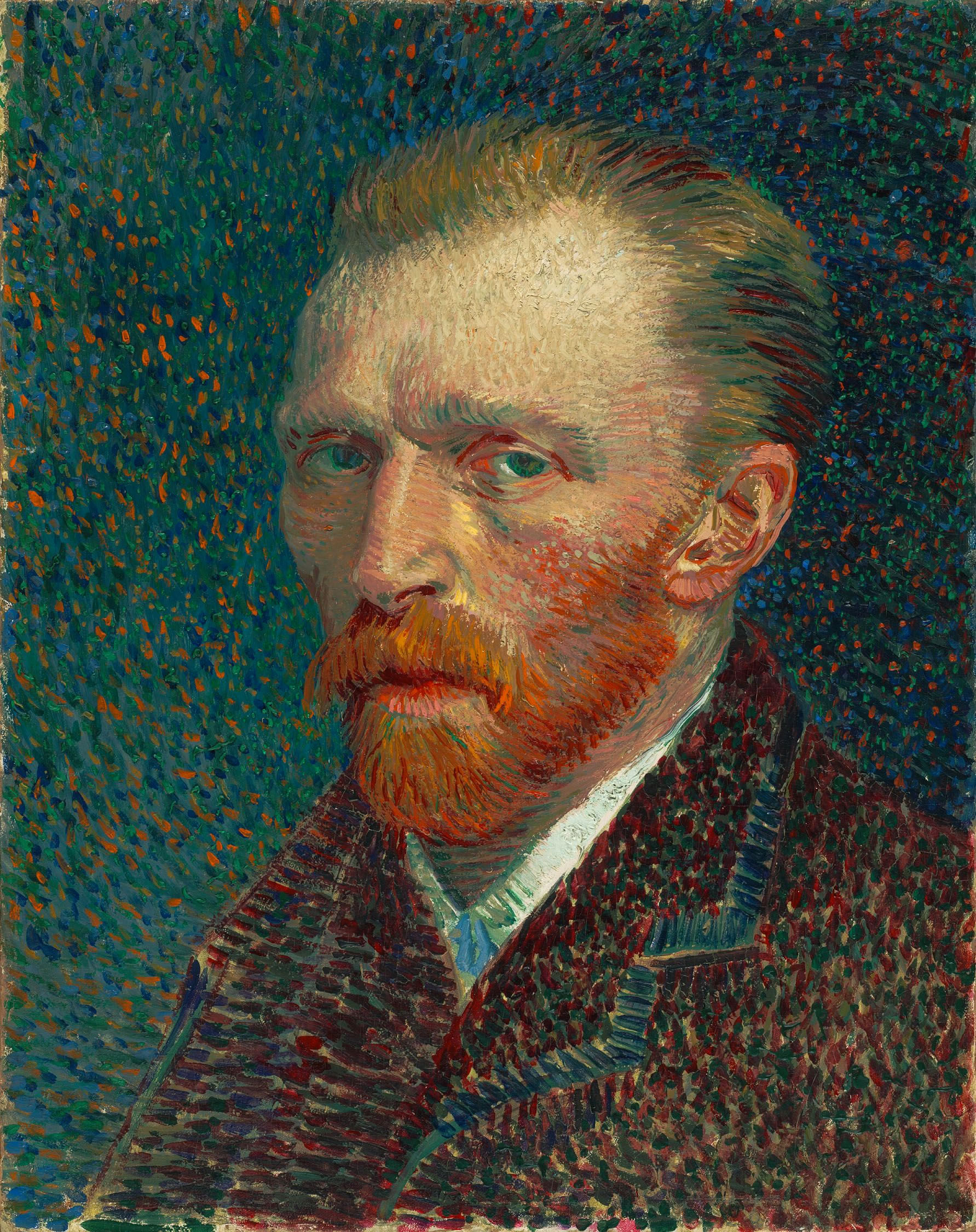





object-fit プロパティを使った簡単なグリッドレイアウト
ブラウザのチェックを行っていただく必要がありますが、このようなグリッドレイアウトを、ギャラリープラグイン等を追加しなくても 少しのCSSで実現できるスタイルについてメモを残します。
下のhtmlソースを見ていただくとわかるように、単にWordPressの投稿画面から、画像を数枚追加しただけです。
Note:Can I Useでは、IEは、未サポートになっているみたいですが、若干画像がゆがみますが、動作するようでした。
Safari5.1.7 動作しません。
投稿本文
<a href="#"><img src="Your Image URI" alt="VanGogh_1887_Selbstbildnis" width="595" height="751" class="alignnone size-large wp-image-2342" /></a>

<a href="#"><img src="Your Image URI" alt="face1" width="600" height="600" class="alignnone size-full wp-image-2318" /></a>

<a href="#"><img src="Your Image URI" alt="vegetable" width="595" height="324" class="alignnone size-large wp-image-2045" /></a>

<a href="#"><img src="Your Image URI" alt="sea" width="595" height="287" class="alignnone size-large wp-image-2063" /></a>

<a href="#"><img src="Your Image URI" alt="test-img-2" width="600" height="200" class="alignnone size-full wp-image-1638" /></a>

<a href="#"><img src="Your Image URI" alt="test-img-1" width="600" height="200" class="alignnone size-full wp-image-1637" /></a>
CSS
.entry-content img{
 object-fit: cover;
 width:15vw;
 height:15vw;
}
.entry-content a:first-of-type img{
 object-fit: cover;
 width:30vw;
 height:30vw;
 vertical-align:top;
}
.entry-content a{
 float:left;
}
おまけ
.entry-content .ltr {
 -webkit-animation-play-state: paused;
 /* Chrome, Safari, Opera */ animation-play-state: paused;
 border: 10px solid black;
 width: 340px;
 height: 480px;
 background: yellow;
 object-fit: cover;
 object-position: 0% 0%;
}
.entry-content figure {
 position: relative;
 display: inline-block;
 margin: 0;
}
.entry-content figcaption {
 position: absolute;
 top: 20px;
 left: 20px;
 background: black;
 color: white;
 padding: 8px 15px;
}
.entry-content .ltr:hover {
 width: 340px;
 height: 480px;
 border: 10px solid black;
 background: yellow;
 object-fit: cover;
 animation: ltr 12s infinite alternate;
}
@keyframes ltr {
 from {
 object-position: 0% 0%;
}
to {
 object-position: 100% 100%;
}
}
2018/2/11
p要素の影響で、少しずれが生じていたのでCSS追加
:not(.intro) p{
 margin-bottom:0;
}